Top View A4 Paper Mockup: Present Your Work Like a Pro
A Designer's Secret Weapon for Flawless Presentations
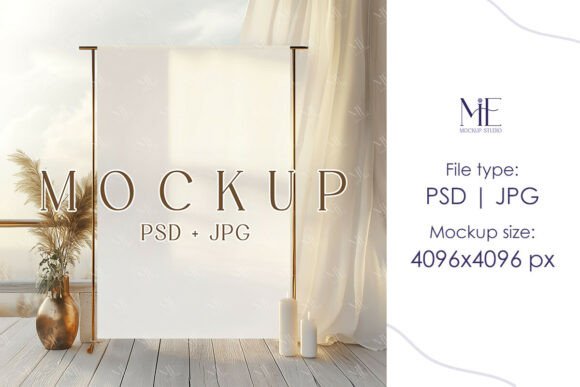
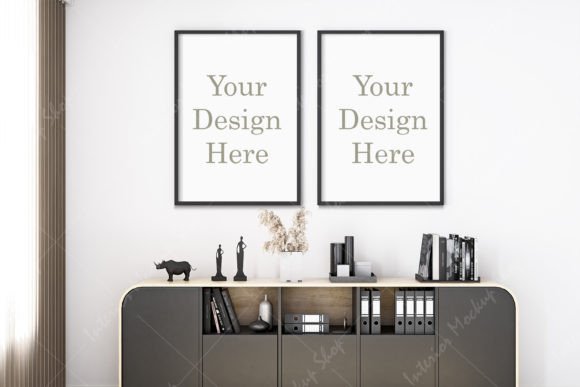
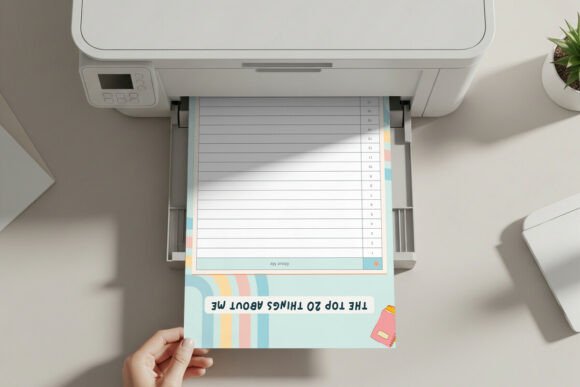
Every designer knows the feeling. You've spent hours perfecting a layout, choosing the right font pairing, and ensuring every pixel aligns. But when it comes time to show the client or add it to your portfolio, something feels flat. A screenshot on a plain background doesn't do justice to the work. This is where the Top View A4 Paper Mockup becomes an essential part of your toolkit. It's more than just a template; it's a bridge between a digital file and a tangible, professional product. The mockup presents your editorial design or brand identity concept on a clean sheet of paper, lying on a modern desk with realistic lighting and subtle shadows. This simple context instantly elevates your work, making it feel real, printed, and ready for use.
The visual personality of this mockup is one of quiet confidence. It doesn't scream for attention with flashy graphics or distracting backgrounds. Instead, it offers a clean & professional aesthetic that lets your design be the hero. The paper has a subtle texture, the lighting is balanced to avoid harsh glares, and the shadows are natural. This creates a polished, minimal setting that communicates professionalism and attention to detail—qualities every client or customer appreciates.
Where This Mockup Truly Shines: From Logos to Social Media
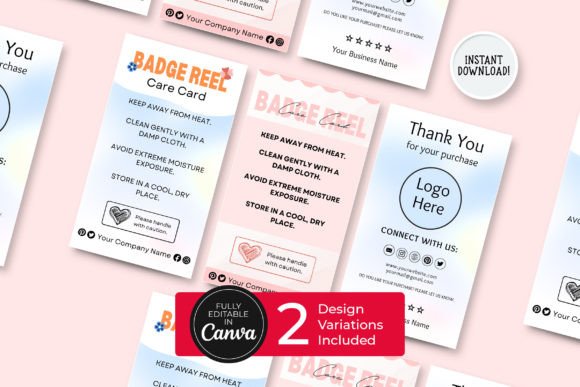
The versatility of the Printer Sheet Mockup is one of its greatest strengths. Think of it as a universal stage for your flat designs. For a logo design presentation, placing the mark on this mockup shows how it would look on official letterhead, giving clients a clear vision of its application. For packaging design concepts, you can present a dieline or pattern as if it's a printed sample ready for production. This helps bridge the gap in understanding for stakeholders who aren't designers.
It's equally powerful for marketing and publishing projects. Need to showcase a flyer for a local event? A resume for a job seeker? A menu for a new café? The Top View A4 Paper Mockup handles it all with ease. The consistent A4 size is a global standard, making your presentations instantly relatable. For social media graphics, using this mockup can make your content stand out in a crowded feed. A post showing a beautifully designed quote or promotional offer on this realistic sheet of paper feels more substantial and intentional than a simple graphic overlay. It adds depth and context, which can significantly improve engagement.
Making Your Design Choices Work Harder
Choosing the right design assets is about more than just aesthetics; it's about strategy. A great mockup like this one influences how your work is perceived. When you present a creative font selection for a brand's stationery on this mockup, you're not just showing letterforms. You're demonstrating how that typeface will behave in the real world—its readability at size, its impact in a header, and how it pairs with body text. This practical demonstration builds trust and helps clients make confident decisions.
The mockup also enforces visual hierarchy and consistency. Because the setting is neutral, any issues with alignment, spacing, or color contrast in your design become immediately apparent. It's a final quality check. For entrepreneurs and small business owners creating their own materials, this is invaluable. It allows them to see if their chosen sans serif font for a brochure is as legible as they think, or if their script font for an invitation feels elegant or cluttered. This real-world preview saves time, money, and potential disappointment after printing.
Practical Tips for Using the Mockup Effectively
Getting the most out of this asset is straightforward, thanks to its thoughtful design. The included PSD file with Smart Object functionality is a game-changer. You simply double-click the layer, paste your artwork, save, and your design is seamlessly integrated with perfect perspective and lighting. For those who prefer other software or need a quick solution, the transparent PNG file is perfect. You can drop it into any design tool, from Canva to Affinity Photo, and layer your artwork behind it.
When preparing your design for the mockup, consider the final context. If you're creating a resume or letterhead, ensure your font choices are highly legible at standard print sizes. A premium font with good kerning and multiple weights will give you the flexibility needed. For a bold poster or menu sheet, you can be more adventurous with a display font, but always test it within the mockup to see if the impact translates. Remember, the goal is clarity and style. The mockup provides the style; your job is to ensure the clarity of your content.
Finally, think about your entire presentation. Use the mockup multiple times to show different pages of a document or different applications of a brand system. Show the same logo on a letterhead, a business card mockup, and a flyer. This tells a complete story of your brand identity and demonstrates its consistency across touchpoints. It's a professional approach that resonates with clients and sets your work apart. Whether you're a freelance designer building a portfolio, a marketer creating client deliverables, or a blogger designing printable resources, this Top View A4 Paper Mockup is a practical, high-value tool that helps you communicate your ideas with precision and professionalism.